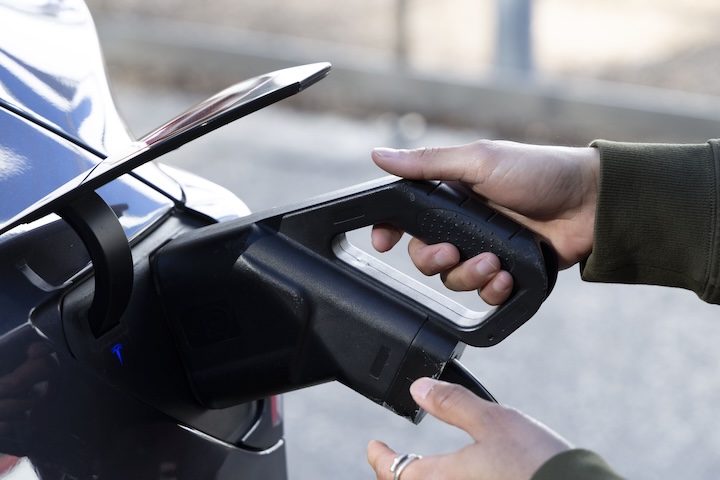
With AutoCharge, every time you plug in to a JOLT charger, the session will start instantly. No extra steps, no fuss. Just seamless charging, every time.
How to activate AutoCharge
To activate AutoCharge, you need to initiate a charging session via the JOLT app before plugging in. Here’s how:
Open the JOLT app and select your charger
Plug in your vehicle
Then start charge in the app
Follow the on-screen prompts to activate AutoCharge
Once set up, your future charges will begin automatically when you plug in
Are you eligible?
AutoCharge is available to JOLT Plus members who meet the following criteria*:
You're subscribed to JOLT Plus
AutoCharge is an exclusive feature for JOLT Plus members.
You've saved your vehicle in the app
Make sure your EV is listed under ‘Vehicles’ in your JOLT app profile.
Your saved vehicle is not a short-term rental
AutoCharge only works with vehicles you own or lease long-term.
You’ve completed two JOLT charging sessions using the app
These must be full sessions initiated through the JOLT app.
Your vehicle uses a CCS2 connector
CHAdeMO vehicles are not currently supported.
No other JOLT user has activated AutoCharge on your vehicle
AutoCharge links a vehicle’s unique ID to one JOLT account only.
Important: Some EVs may still be ineligible due to manufacturer restrictions, even if you meet all the above criteria.
*Some EVs may still be ineligible due to manufacturer restrictions, even if you meet all the above criteria.
Not on JOLT Plus yet?
AutoCharge is just one of the perks. With JOLT Plus, you also unlock: